
Credits & Billing
Extralt uses a credit-based billing model. Credits are consumed by product-specific actions. Start gives your first organization free credits once; a Scale plan adds credits every month.
How credits work
- Extract: 1 credit per successfully generated Capture. Each Capture contains the product data extracted from one product URL.
- Enrich: 1 credit per successfully enriched Capture. This produces one normalized Item and the associated analytics data for Explore, with no additional credit charge.
- Agent and supported AI-assisted dashboard queries: included with a Scale plan; no credits consumed
- SQL queries through the API and MCP: available on every plan; no credits consumed
- Extract credits are deducted as successful product-page Captures are produced, not when a run is created
- Capture + Enrich costs 2 credits per product URL when both steps succeed
- The credit costs are the same on every plan and every site
- Plan credits do not roll over to the next billing month; extra credits last 90 days
Plans
| Start | Scale | Business | |
|---|---|---|---|
| Price | Free | $30–$1,000/mo | Coming soon |
| Credits | 3,000, once | 10K–1M a month | More than 1M a month |
| Stores | Shopify, WooCommerce and Wix | Custom crawlers for your stores | Everything in Scale |
| Extra credits | -- | At your plan's rate | -- |
| Agent | -- | Included | Included |
Start's 3,000 credits go to the first organization you create, with no card, and last 30 days. Members invited to an existing organization, and organizations you create later, do not receive them.
On Start, robots are built for stores running a Shopify, WooCommerce or Wix storefront. For any other store, including headless storefronts built on these platforms, creating a robot returns 402 payment_required with a message to upgrade to Scale.
Scale comes in four monthly volumes with the same features. Larger volumes pay less per credit:
| Plan | Price | Credits a month | Per 1,000 credits |
|---|---|---|---|
| Scale 10k | $30/mo | 10,000 | $3.00 |
| Scale 50k | $100/mo | 50,000 | $2.00 |
| Scale 200k | $300/mo | 200,000 | $1.50 |
| Scale 1M | $1,000/mo | 1,000,000 | $1.00 |
Billing is monthly. There are no annual plans.
Extra credits
On Scale, you can buy extra credits from the subscription page, 1,000 at a time, at your plan's rate per 1,000 credits. Extra credits expire after 90 days. If you need more every month, the next plan costs less per credit.
Checking your balance
You can check your remaining credits in the dashboard or via the API.
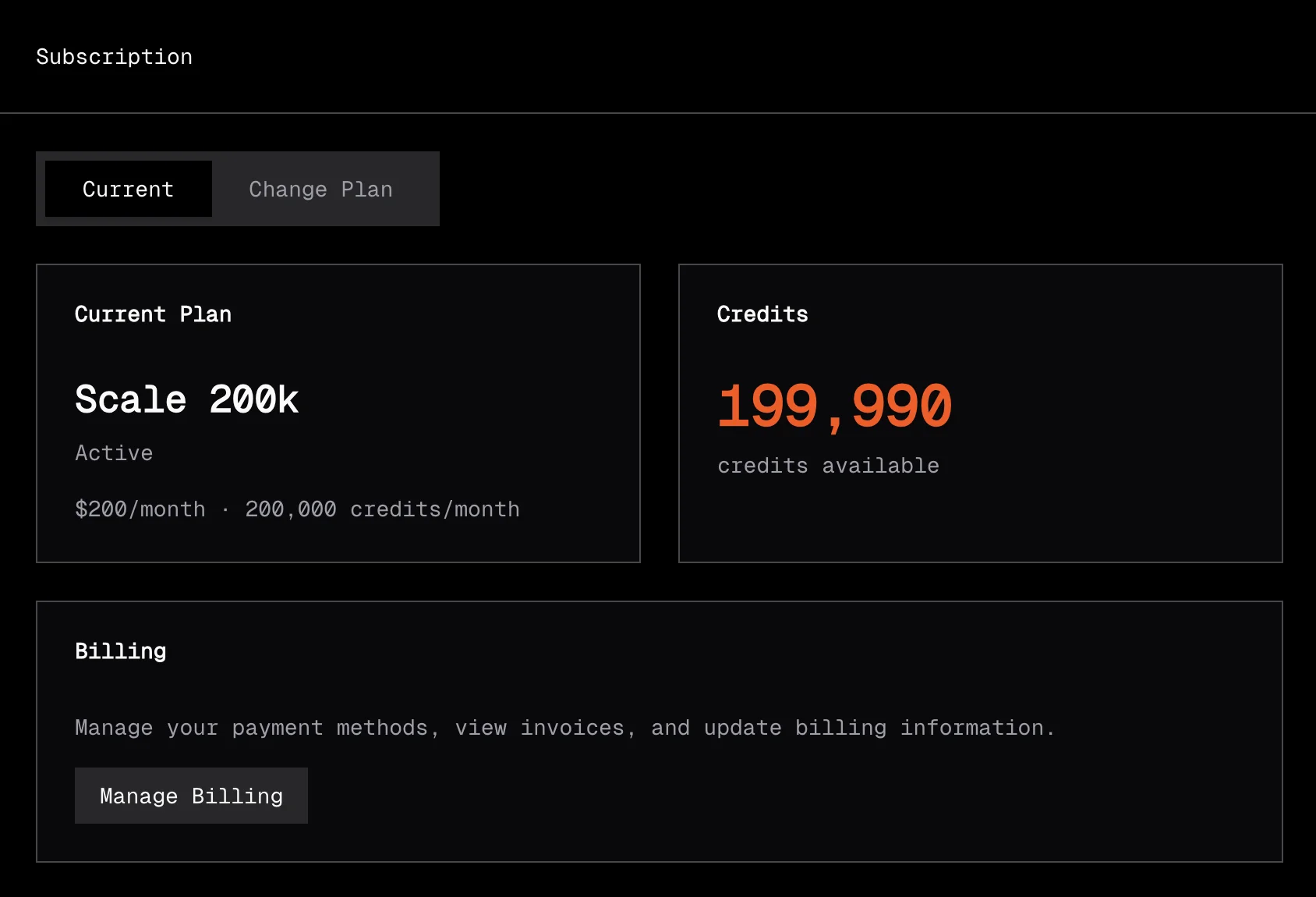
Managing your subscription
Subscriptions are managed through Stripe. From the dashboard, navigate to your subscription settings to:
- Upgrade or downgrade your plan
- View billing history
- Update payment method
- Cancel your subscription
Extralt never sees your payment information. All billing is handled securely by Stripe.
Access after a subscription ends
For 30 days after the last active subscription period ends, your organization has read-only dashboard and API access, including Capture exports. Creating or modifying resources, running AI features, and consuming credits require an active subscription.
You can still stop active work and pause schedules during grace. A retry of a completed idempotent API request returns the original result, but cannot create new work.
After 30 days, customer-data access is suspended, but you can still use the subscription area to reactivate. After 180 days, the organization is deactivated and can no longer be restored. Deactivation is a permanent access cutoff; it does not itself confirm physical deletion of Customer Data.
Multiple organizations
Each organization has its own subscription and credit balance. If you work with multiple organizations, each one needs its own plan. Start's free credits go only to the first organization you create.
Use the org switcher at the bottom of the dashboard's left rail to switch between organizations.
Setting budgets
When creating a run, set a budget to limit the number of Captures produced. This helps control credit usage:
{
  "robot_id": "your-robot-id",
  "budget": 50
}
Without a budget, a run will extract until the crawl is complete or there are not enough credits for the next successful product-page Capture.
Result-based billing
Extract is priced per successful product-page Capture. Category, search, collection, and other discovery pages do not consume credits. You do not pay separate line items for blocks, retries, JavaScript rendering, proxies, or crawler maintenance. Extralt handles the extraction infrastructure and only charges when it produces a Capture.
Agent access
The dashboard Agent is included with a Scale plan. It is not available on Start. Agent messages do not consume credits.
When you approve an Agent plan, the resulting work uses the Extract and Enrich pricing described above. The Agent does not add another usage charge.
Supported AI-assisted query surfaces in the dashboard are also included with a Scale plan and do not consume credits.
Schedules and credits
Schedules create runs automatically on a cadence. Each successful product-page Capture produced during a scheduled run costs 1 credit, just like manual runs.
If your organization does not have enough credits for the next Capture, all active schedules automatically pause. They remain paused until you buy extra credits or your next billing month adds credits. You can also manually pause and resume schedules at any time.
See Schedules for details.